[1:52]

What is Nearpod?

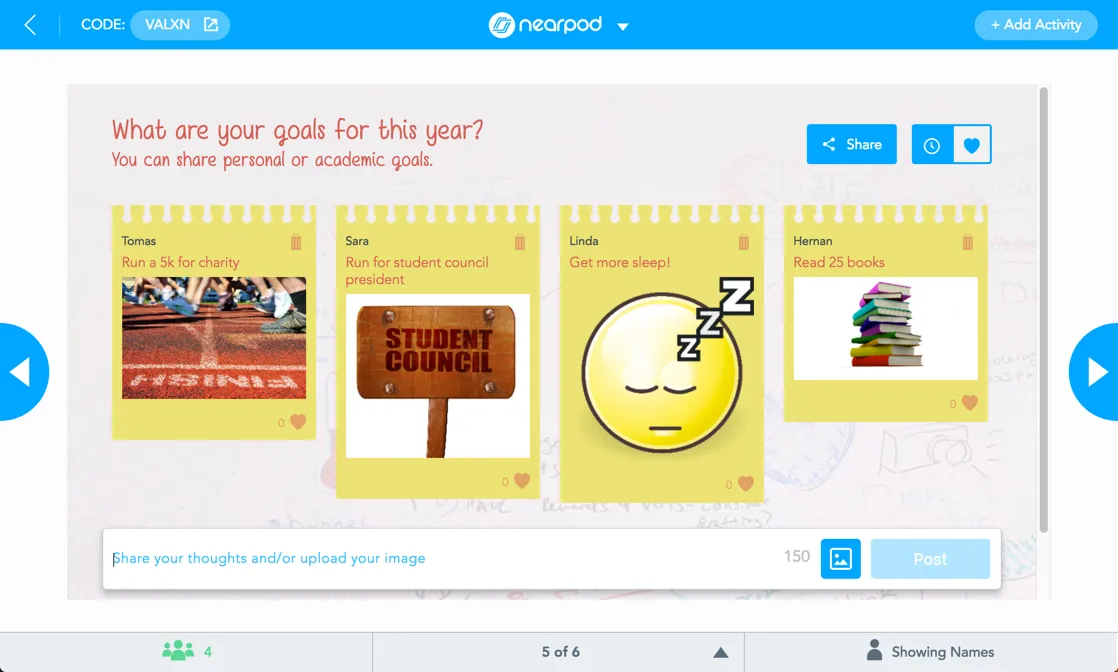
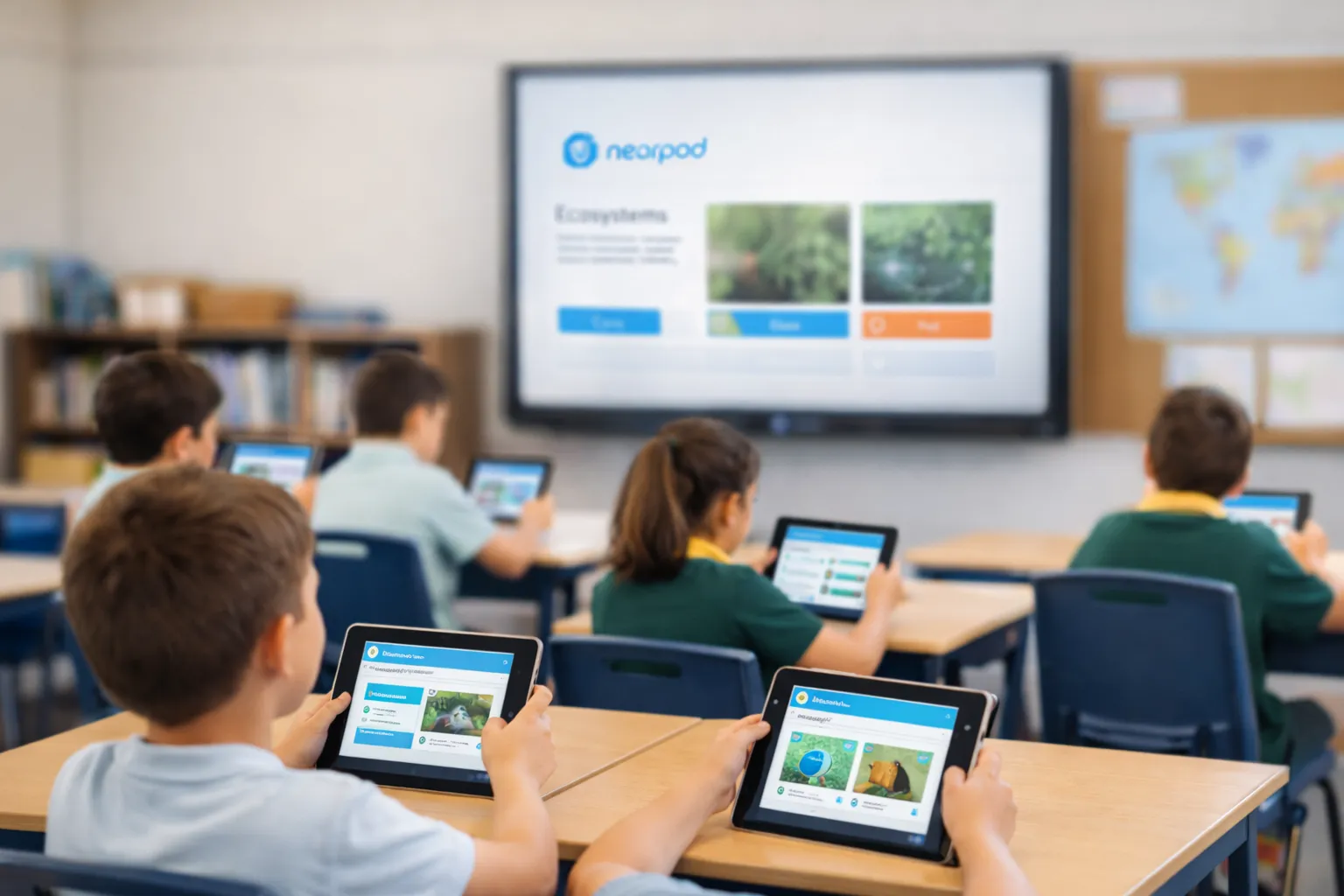
Nearpod transforms traditional lessons into interactive learning experiences. Educators can use ready-made lessons or create their own, embedding activities such as polls, quizzes, collaborative boards, videos, simulations, and games – all while seeing live student responses as the lesson unfolds.

With Nearpod, educators can:

  • Increase participation from every student

  • Check understanding in the moment, not after the lesson

  • Adjust teaching instantly using live data

  • Save time planning, delivering, and reviewing lessons
I struggle in my classroom daily with differentiation due to the skill level of my students. Nearpod allows me to run small self paced groups, whole class activities, or extension groups easily. I honestly don’t know what I would have done without Nearpod this year.

Primary school teacher, Bangor Public School, NSW

Why Australian educators choose Nearpod

1

An all-in-one teaching platform

Everything in one place – interactive activities, formative assessment, multimedia, and reporting – without juggling multiple tools.

2

Engagement for every learner

 All students respond at the same time, supporting inclusive classrooms, diverse learning needs, and equitable participation, not just the most confident voices.

3

Create or customise lessons

Use Nearpod’s ready-made content, upload your own slides, or build lessons from scratch to suit your curriculum and learners.

4

Gamification that motivates

Purposeful gamified activities that maintain focus, reduce off-task behaviour, and keep students actively learning.

5

AI-powered lesson creation

Built-in AI tools help educators generate questions, activities, and lesson ideas faster — saving valuable planning time.

6

Live data you can act on

Instant insight into student understanding allows teachers to intervene, extend, or adjust instruction on the spot, not after the assessment cycle.

Designed for every stage of learning

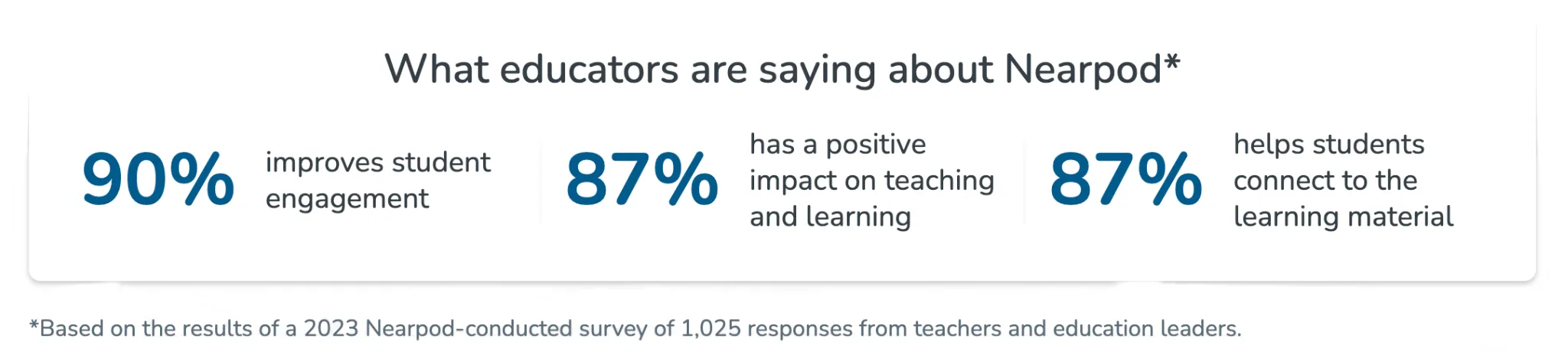
Statistics about Nearpod

UTS College – Increasing participation in higher education with Nearpod

[15:53]

UTS College is the pathway provider to the University of Technology Sydney, supporting a diverse and multicultural student cohort.

Laura Hanna, Academic Coordinator of Accounting, uses Nearpod to ensure every student participates – not just the most confident voices in the room.

“Once I started using Nearpod, I don’t think I could teach using anything else.”

By embedding interactive activities into every lesson, Laura can gather responses from all students at once, run quick diagnostic checks at the start of class, and adjust teaching instantly based on live data. Nearpod also helps maintain consistency across multiple teaching teams, ensuring students receive the same high-quality learning experience regardless of instructor.

Getting Started

  1. Teachers: Sign up for a free account and launch your first interactive lesson in minutes.

  2. School Leaders: Request a demo to explore how Nearpod can work across your school, and align with your strategic goals.

  3. Support & training: Our team supplies professional development, onboarding materials and implementation support to maximise success.

Sign up for free

FAQs

Is Nearpod compatible with existing devices?

Yes – It works across laptops, tablets, smartphones and through any modern web browser.

Can I use existing teaching materials?

Absolutely – Upload PowerPoints, Google Slides, PDFs and convert them into interactive Nearpod lessons with ease.

What types of student-activities are available?

Quizzes, polls, matching pairs, open-ended questions, draw-it, virtual excursions, gamified tasks and more.

Can I sync Nearpod with my LMS, like Canvas or Schoology, Google Classroom, or Microsoft Teams?

Yes. Nearpod has robust integrations with many LMS. You can learn more here about Nearpod’s LMS integrations.

Can I use single sign-on for Nearpod?

Yes! You can use Google, Office 365, Clever, or ClassLink SSO to log in to Nearpod. For Google and Office 365, simply go to nearpod.com/login, then select your SSO option. For Clever and ClassLink, add the Nearpod app to your portal. Then, click on the Nearpod icon to be automatically signed in!

Can I use a Nearpod lesson to assign homework or independent student work?

Nearpod is great for independent work! You can easily launch a lesson in Student-Paced mode, then share out the code with your students by email, or share through your LMS. Take a look at 6 ways you can use Student-Paced lessons.

Does Nearpod have any educator communities I can join?

Yes! Join a Nearpod community to gain exclusive resources, support for sharing Nearpod, and a network of educators transforming teaching with technology. Learn more about how to join Nearpod’s communities here.

How to use Nearpod as a student?

Students do not need accounts to access Nearpod. When you start a lesson, you’ll launch a five-letter code. Share the code with students, or share the lesson through your learning management system (LMS), like Canvas, Schoology, Google Classroom, or Microsoft Teams. Explore tips on how to teach your students to use Nearpod.

If you have a school or district license, Student Accounts is an optional feature that you can enable. If you choose to enable Student Accounts, all student account information and submissions will be contained within your school or district account and are fully managed by your school or district administrator.